iTAK App
648 words; 3 minutes to read.

iTAK App Description
The iTAK (Team Awareness Kit) app is a powerful geospatial tool designed for real-time collaboration and situational awareness. It supports features such as team location tracking, sensor information integration, live video streaming, chat communication, and offline mapping. This app is vital for various users including military, law enforcement, first responders, and commercial sectors, providing robust and secure capabilities for managing critical operations.
The Team Awareness Kit (TAK) (known as the Tactical Assault Kit in the Department of Defense) application:
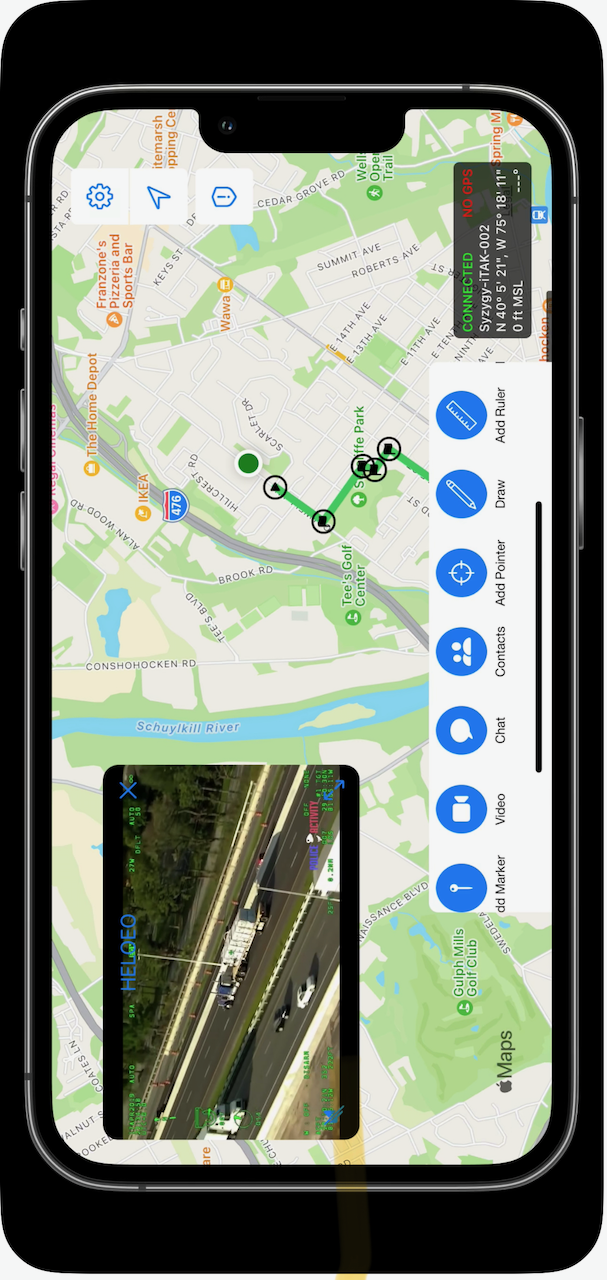
iTAK is a collaborative geospatial application to see your teams’ locations, sensor information, videos, chat, and more in real-time. iTAK supports Department of Defense (DoD) and commercial sector standards for icons, sensor information, and communication. Data can be preloaded into iTAK or downloaded from the network (via TAK Server) when available.
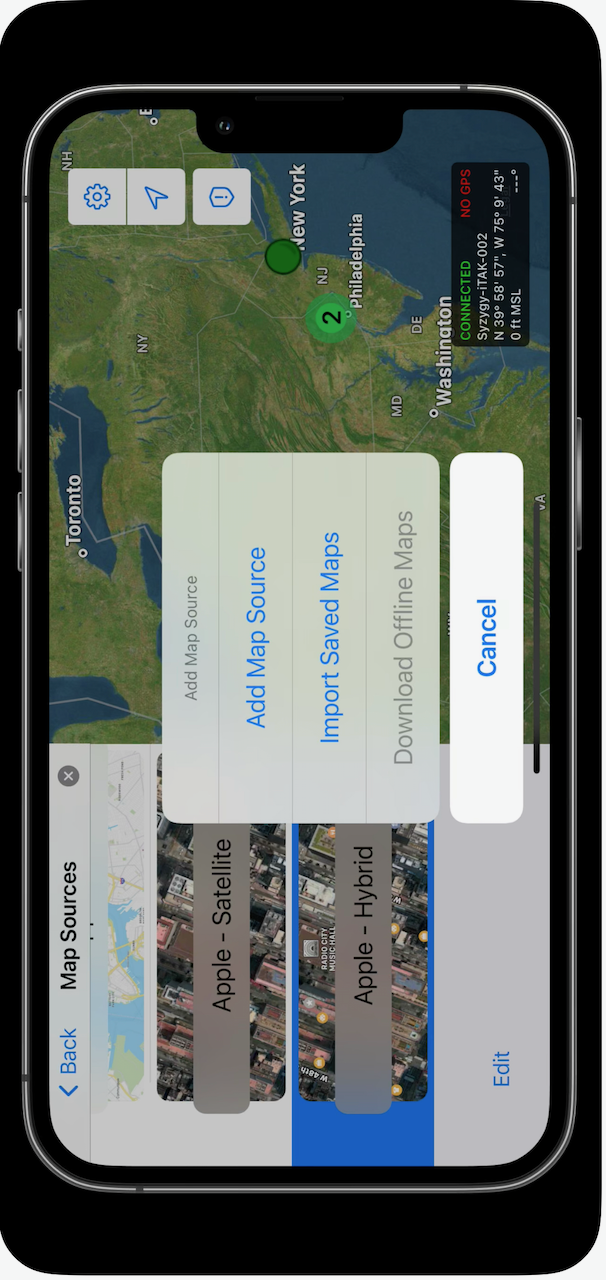
###iTAK capabilities include: • Online and offline mapping (most standard formats), download the maps right in the app • Blue force / team tracking (BFT) • Collaborative mapping, including points, drawings, locations of interest • Import and display of KML, KMZ, GeoPDF overlays • Location marking, sharing, with photo tagging • Chat, file sharing, photo sharing • Live video streaming with the ability to share video links • Spotted map to mark and share multiple locations across your map • Digital pointer to rapidly mark and share items on the map with your team • Navigation-walking/hiking, driving, also useful flying and air-ground coordination • Center on self or other objects (e.g. another person in the network) • Range, bearing measurement tools • Team Emergency Beacons • Customizable toolbar • 3D perspective • All data is secured and fully compatibility with the TAK ecosystem (ATAK, TAKServer, WinTAK) • Useful for law enforcement, first responders, hunting, fishing, ornithology, wildlife site survey
Roles and Technologies
Roles Played:
- Lead Developer: Spearheaded the app’s development, ensuring robust performance and security.
- Integration Specialist: Integrated real-time data feeds, including live video and sensor information, ensuring seamless communication and collaboration.
- UX/UI Designer: Designed intuitive interfaces for seamless user experience, incorporating user feedback to enhance usability.
Technologies Used:
- Programming Languages: Swift, Objective-C
- Frameworks: UIKit, SwiftUI, CoreLocation, MapKit, Network, UserNotifications, EventKit, AppAuth
- Backend: RESTful APIs, JSON
- Security: OAuth 2.0, Encryption techniques
- Third-party Services: Firebase (for analytics, real-time databases, authentication, feature switches, Crashlytics for crash reporting)
- APIs and SDKs: Yodlee/Fastlink API and SDK for financial data aggregation
- Development Tools: Xcode, Git, Jenkins (CI/CD)
- Testing and Debugging: LLDB, TestFlight (Beta testing)
- Analytics and Monitoring: Firebase Analytics, Crashlytics
This extensive set of technologies ensured the app’s high performance, security, and user satisfaction.
Link to Apple App Store

App Screenshots